
For interior designers, makers and builders
Know the job before you call back.
One page for your work. Every request arrives with photos, sizes, the address and a budget.
- Free for 3 requests a month
- No website needed
- Works on your phone

Veldt Interior
Interior design for London homes, from first sketch to styling.
Tell us about your projectmakero.app/veldt
Interior designers · London
- €0per lead. Ever. One flat price.
- 24/7your assistant answers clients, also at night
- 0phone calls before you know what the job is
- 200%more jobs landed in a year, simply because of great follow-ups.
Your own page
The link in bio,
made for makers.
One beautiful page for your Instagram bio, your van and your email. It shows your work, takes the requests and tells you about the job before you go.
- 1
Show your work
Your best projects, what you do and how to reach you. Looks good on every phone.
- 2
Get requests
One button opens a short form with the right questions for your trade.
- 3
Know it before the visit
Photos, sizes, address and budget arrive together. You decide what’s worth a visit.
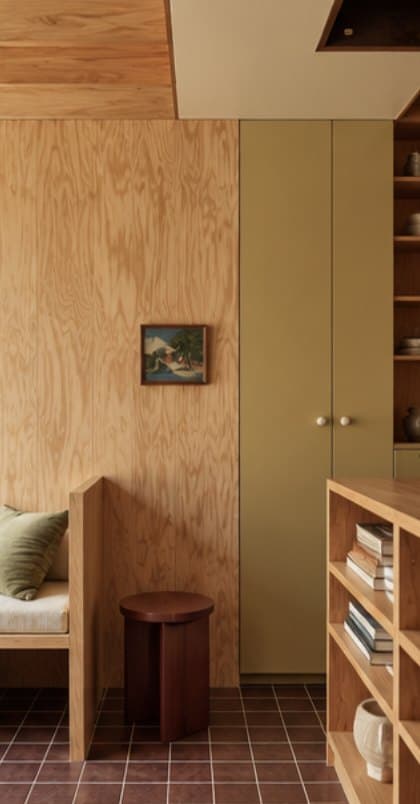
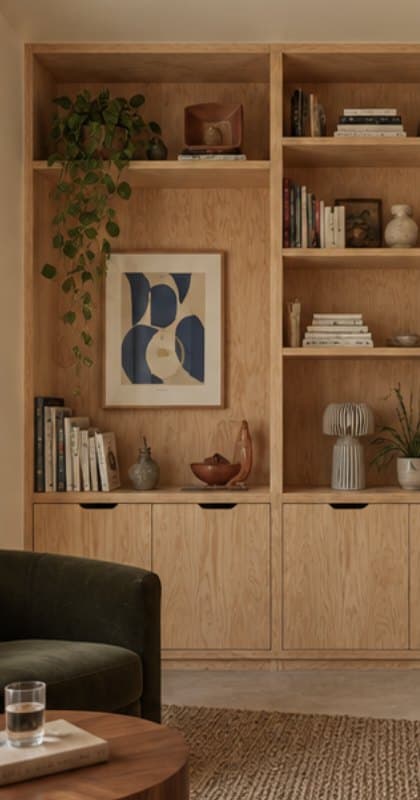
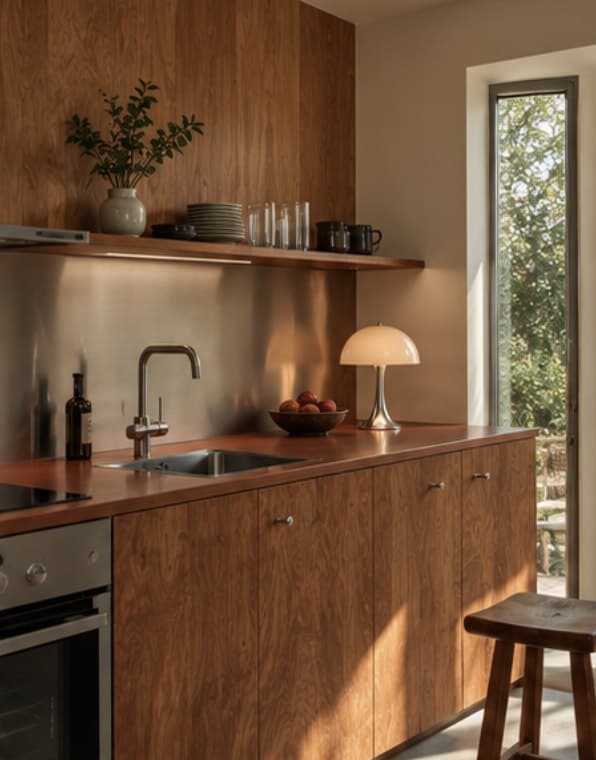
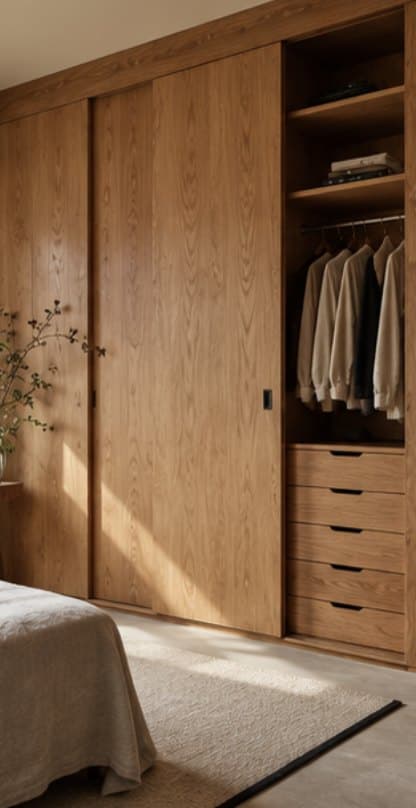
Made for
Trades that start with a visit.
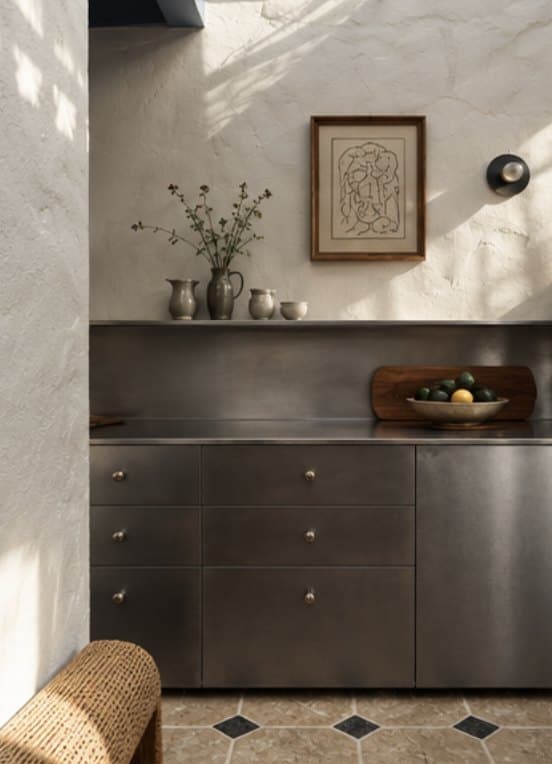
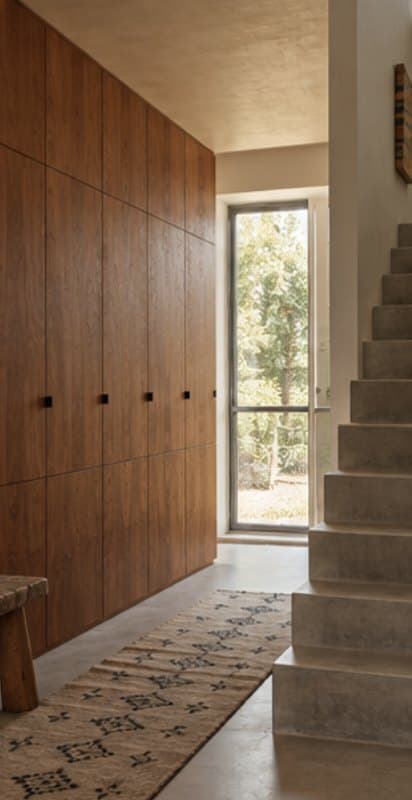
01Complete requests
Every request,
complete.
Photos, measurements, address and budget in one go. No more chasing details in WhatsApp.
02Only jobs that fit
Only the jobs
that fit.
Set your travel distance and minimum budget. You see right away which requests are worth a visit.
03Answers for you
Questions answered
while you work.
An assistant on your page answers from what you tell it. Prices and visits stay with you.
04Follow-up
Follow-up
on autopilot.
Every client gets a confirmation at once, and one friendly reminder after your quote.
05One link
One link,
everywhere.
In your Instagram bio, on your van, in your email. Your page is live in minutes.
Working in the background
It does the admin.
You do the work.
Every request goes through the same four steps on its own, day and night. Makero uses AI where it saves you time and stays out of your way everywhere else.
- 01
Asks the right questions
Your form asks what your trade needs: sizes, photos, materials, budget.
- 02
Checks every request
Distance and budget are checked the moment it comes in. You see what’s worth a visit.
- 03
Answers your clients
Your assistant replies from what you taught it. Prices and visits stay your call.
- 04
Follows up for you
A confirmation right away, a reminder after your quote, a summary each morning.
No settings to learn. It works from the moment your page is live.
Pricing
Start free.
Upgrade when the work comes in.
No fee per job, no contract. One flat price.
Free
€0 for as long as you like
- 3 job requests a month
- Your page, form and assistant
- An email for every new request
- Ready-made questions for your trade
Professional
€29 a month
Or €290 a year: 2 months free.
- Unlimited job requests, every month
- Unlimited own questions
- 10× more assistant, answering all month
- Full insights: what brings the work
- Any colour, no Makero logo
- Extra sections and CSV export
Why it pays for itself
- 1 joba year covers Pro many times over. A kitchen or a wardrobe is worth thousands.
- < €1a day. Less than the fuel for one wasted visit.
- €0per lead and no contract. Stop whenever you like.
Do clients need an account?
No. They open your link, fill in the form and send it.
Do I need a website?
No. Your Makero page is your website. Already have one? Link to Makero from your contact button.
What does it cost?
Free for 3 requests a month. Unlimited is €29 a month. Never a fee per job.
Start today
Your next job,
complete from the start.
Make your page in a few minutes. Free for 3 requests a month.